Annotate. Mirror. Control. Create.
Your screen.
Your canvas.
Without limits.
Draw over your screen, mirror it to your tablet or phone, or use the tablet as a pen and a second display for your desktop. Capture, edit, and hand any of it to an AI agent. It all runs over your own network, with no account and nothing in the middle.
The Windows build isn’t signed yet, so Windows SmartScreen warns the first time you run it.
Same ink,
both screens
- Low latencyHardware-encoded H.264, peer to peer
- Works offlineOver your own network, no account
- AI readyAgents capture and annotate on request
- Secure by designOne credential per device, revoke anytime
Every screen on your desk, working together.
Ink stays with its windowTiles sit the way your desk doesPen, touch and keys, as real inputDrag a window off the edgePointer, keys and clipboard cross overNamed from what's on screenThe agent gets the picture and the UI tree
Work offline or online.
Choose what fits the room. Stay entirely on your local network, with no account and no internet, or reach your desktop from anywhere. Either way the media is encrypted end to end and never decrypted in the middle.
Offline / peer-to-peer
Works with no internet at all, over your local network. Nothing leaves the room.
- Always free
Online connection
Reach your desktop from anywhere. Premium adds a relay for strict networks.
- Free
- Premium
Cloud storage
Keep captures in one place and share them with a link. Premium raises the storage.
- Free
- Premium

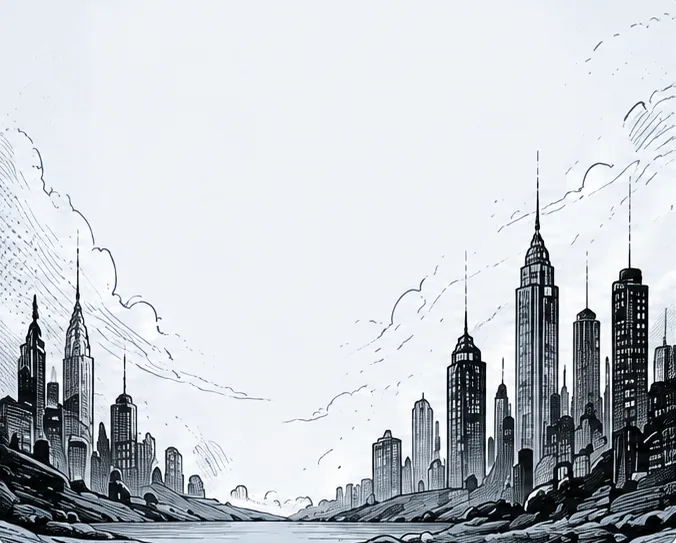

Perfect for any workflow.
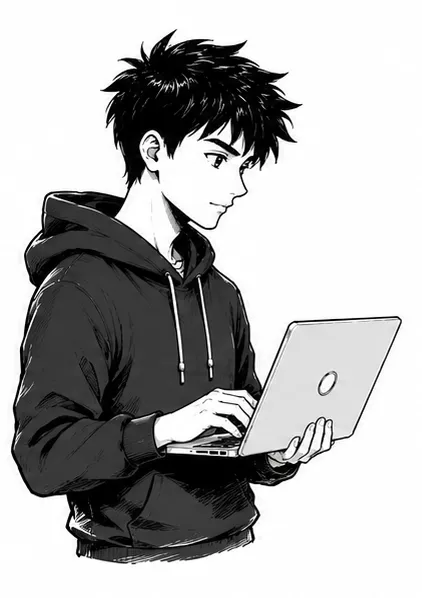
Developers
Explain bugs and review code.
Designers
Share ideas and get feedback.
Educators
Teach and present visually.
Content creators
Record tutorials and demos.
Support teams
Point at the fix, don't describe it.



Linux is coming
Drasyn ships for macOS and Windows today. Leave your email and we'll tell you once it is ready: one email, at release, nothing else.
Ready to transform how you work?
Free to use and MIT licensed; the source opens soon. Install the host, scan a code, and draw.